Packages: carrying a tool to the next instance
A package carries tools and structure from one instance to another. Data and permissions stay behind.
A tool that runs in one instance can be installed in another, together with the collections it needs. A file leaves one instance and enters the other. There is no connection between the instances. You find the page under Operations, Packages.
Putting a package together
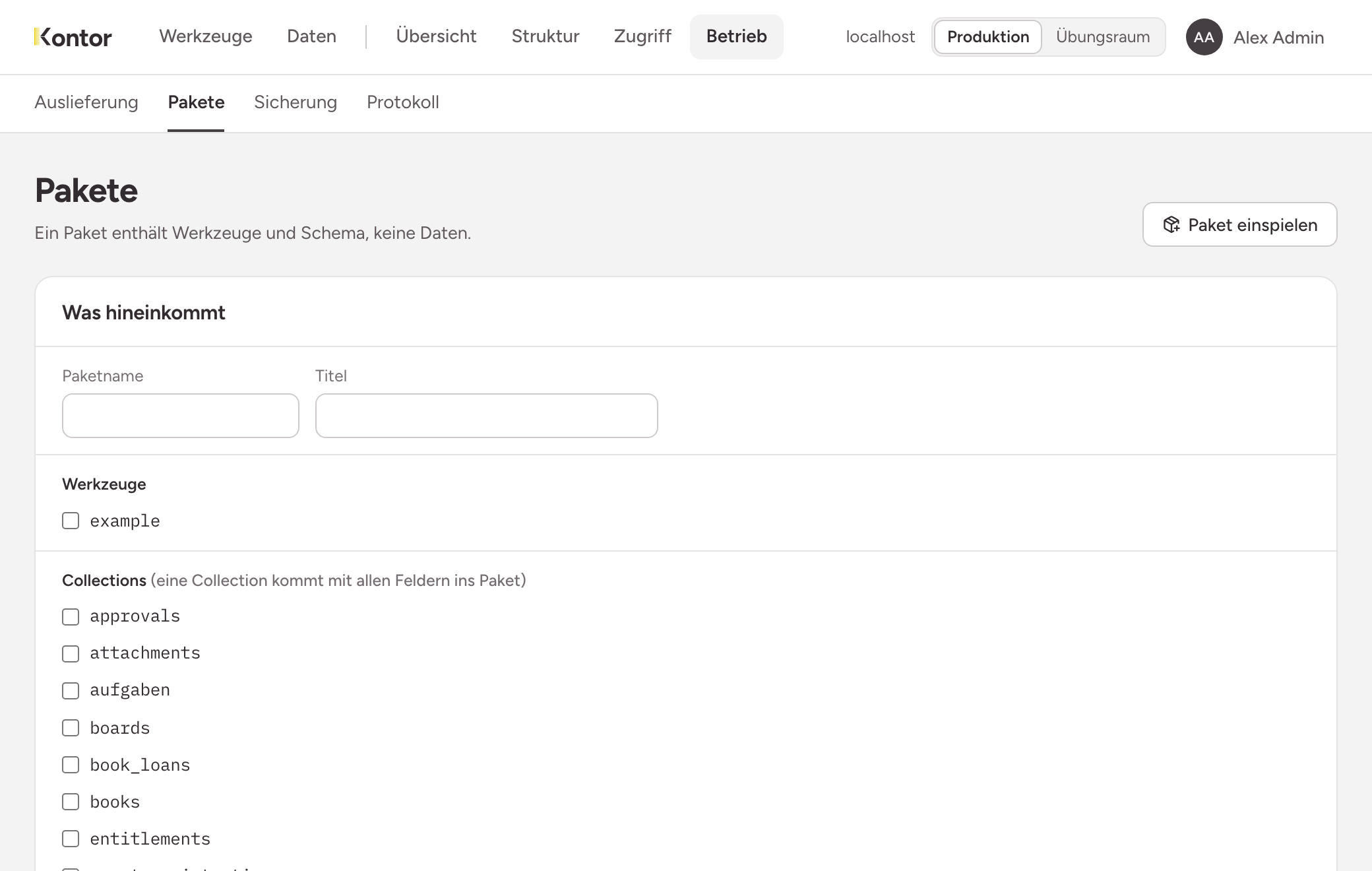
- Under What goes in, enter a Package name and a Title.
- Tick the Tools.
- Tick the Collections these tools use, and the Buckets. The choice is yours: the instance cannot know for certain what a tool uses.
- Tick the Capabilities the tools need.
- Choose Download package.
The result is a file ending in .fbp.
What is in the package
- The current state of every chosen tool.
- The structure of the chosen collections, with purpose and retention. A collection goes into the package with all its fields, including those another tool needs.
- The names of the chosen buckets and capabilities.
What is never in the package
- No rows and no files.
- No people, no roles and no permissions.
- No history of the repository. It would carry the names and addresses of those who built the tool.
A package is a readable zip and is not encrypted. Whoever installs someone else’s code should be able to read it first.
Reading the dry run
In the target instance, open Install a package and drop the file on the field, or click and choose it.
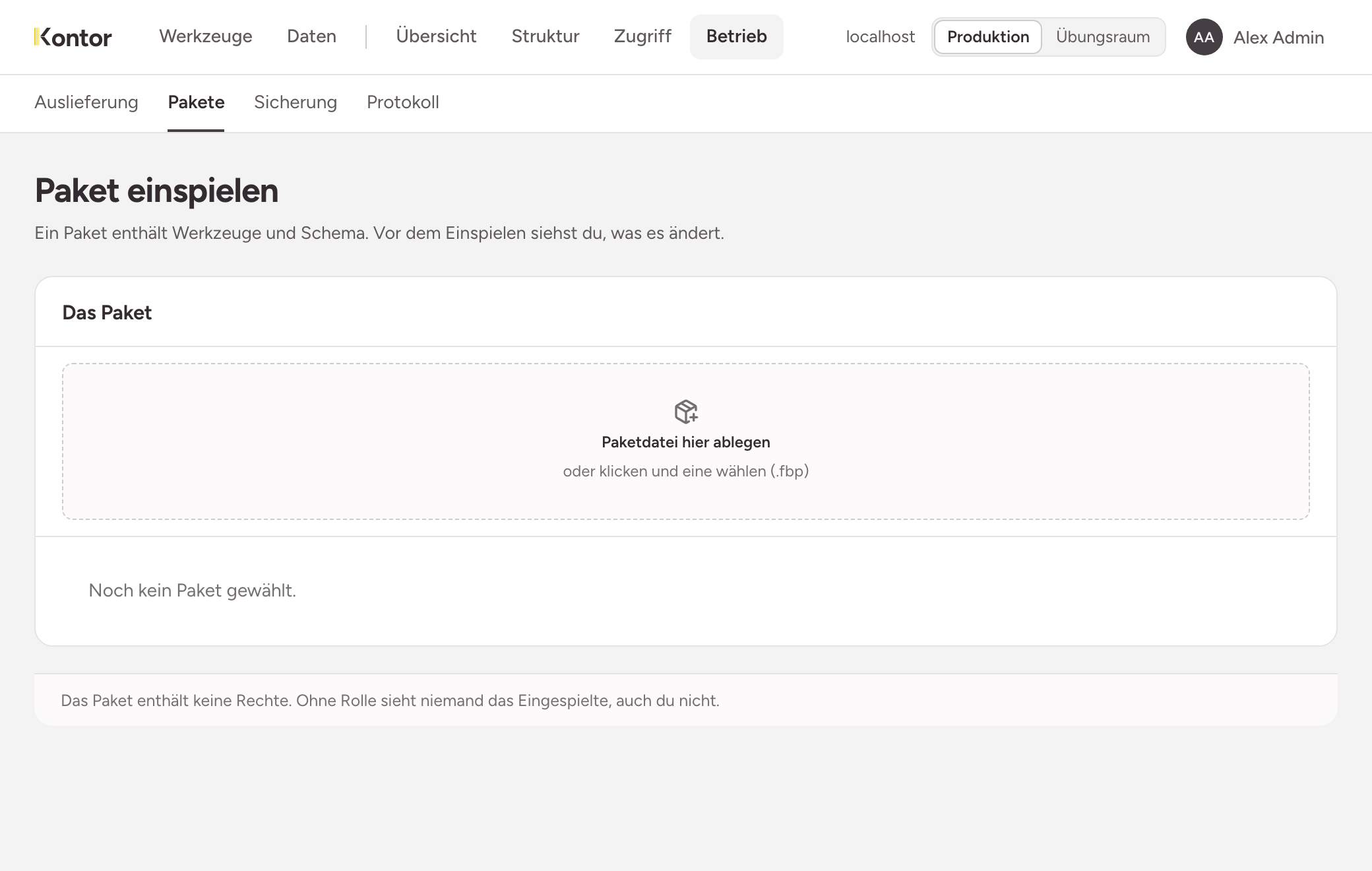
Under Changes by this package, the page shows what would happen. Nothing is created yet. Each collection gets one of four verdicts:
| Verdict | Meaning |
|---|---|
| new | The collection does not exist here. It is created, with purpose and retention from the package. |
| is extended | The collection already exists. The page names the fields and values the package adds. |
| unchanged | The collection already exists and lacks nothing. |
| conflict | A field has a different type or a different reference target here. |
A tool arrives as a draft. If the tools ask for capabilities, the page names them.
With a conflict, the package cannot be installed here. The button does not appear, and the finding cannot be clicked away. The same applies if a tool of that name already exists here.
Installing and naming the role
- Under Role that gets access, enter the name of a role. If it does not exist yet, the instance creates it and adds you.
- Choose Install.
The role gets the tool and reads and writes all rows of the collections from the package. Where it already has a permission on a collection, that permission stays as it is.
Afterwards the tools are not live yet. Try them as a draft and publish the draft under Operations, Tool delivery, see Releasing tools.
Limits
- Installing is not updating. The instance refuses a second package on top of a tool that already exists here.
- The package names capabilities but never grants them. If a tool needs to send mail, for example, you grant the capability on a role afterwards, see Granting permissions.
- Collections and fields are permanent. What is created by installing cannot be removed or changed in type. So read the dry run before you confirm.
- If installing stops halfway, what has been created stays. That is why the dry run comes first.