Structure: collections and fields
Create collections, add and deprecate fields, look after indexes. What is created stays.
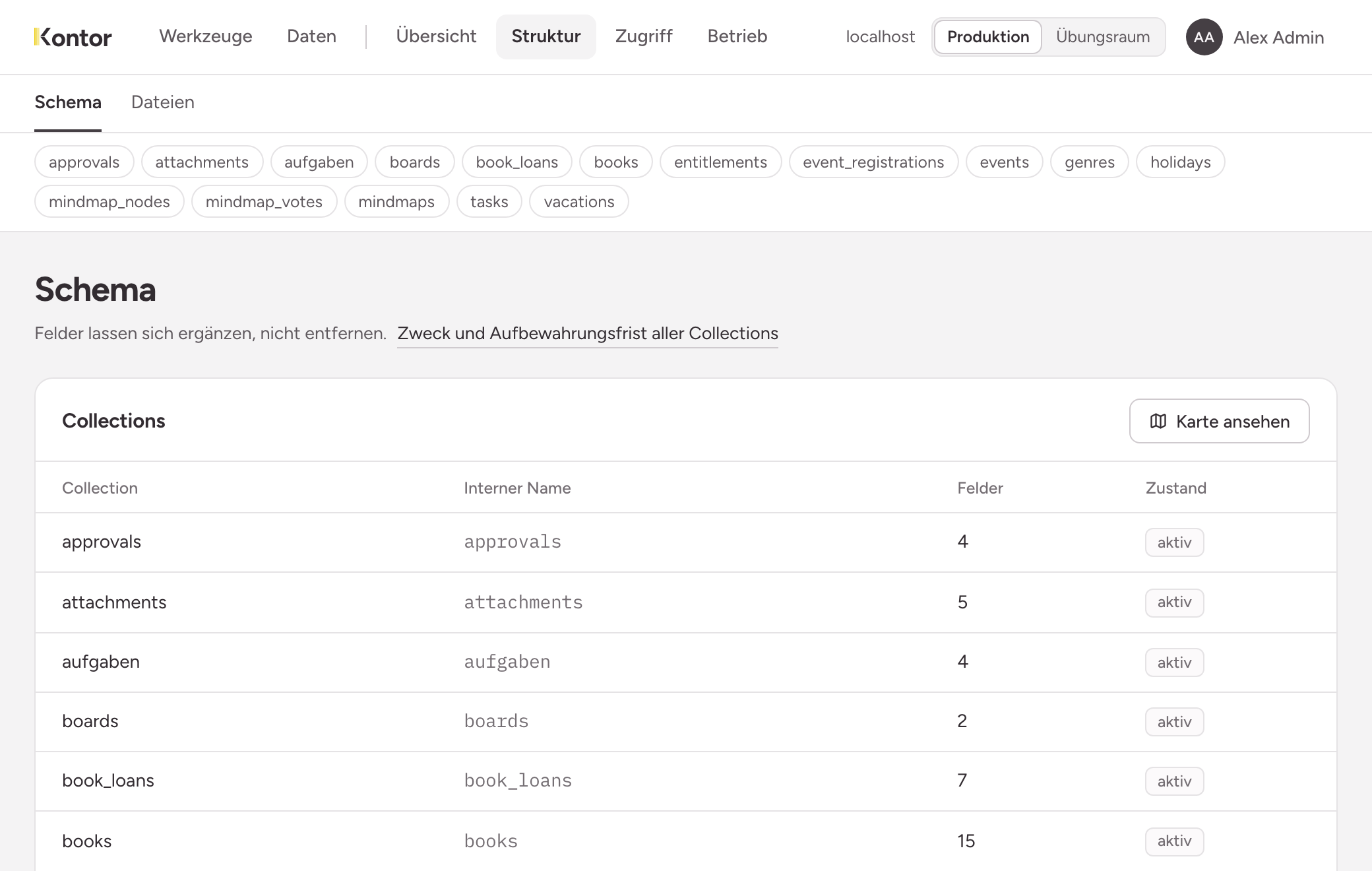
You find the structure of your instance under Structure, Schema. The page lists every collection with its internal name, number of fields and state. Below it is Registry vs. database: the comparison between what the instance knows about its collections and what the database holds.
See the map shows the same collections as relationships: which collection points at which, and over which field. The table Both directions names for each collection what it points at and what points at it.
What cannot be changed
A collection and a field cannot be deleted, and the type of a field is fixed. A value of a choice field also stays once it exists.
This protects daily work: a tool that runs today finds the same fields tomorrow. No change to the structure takes data away from anyone. What you no longer need, you deprecate. So choose names and types with care.
Creating a collection
- Open New collection below the list.
- Enter Name and Title.
- Under Purpose and retention, state the Purpose and the Retention: a number of months or unlimited. Both are required.
- Under First field, create at least one field: name, type and whether it is Required.
- Choose Create.
The field types are described in Collections and fields.
With As draft, only you see the collection until you publish it. Its page then offers Publish and Discard. Publishing cannot be undone. Discarding removes the draft with everything written into it, and the name becomes free again.
A new collection gives nobody access, not even you. You grant permissions on a role, see Granting permissions.
The page of a collection
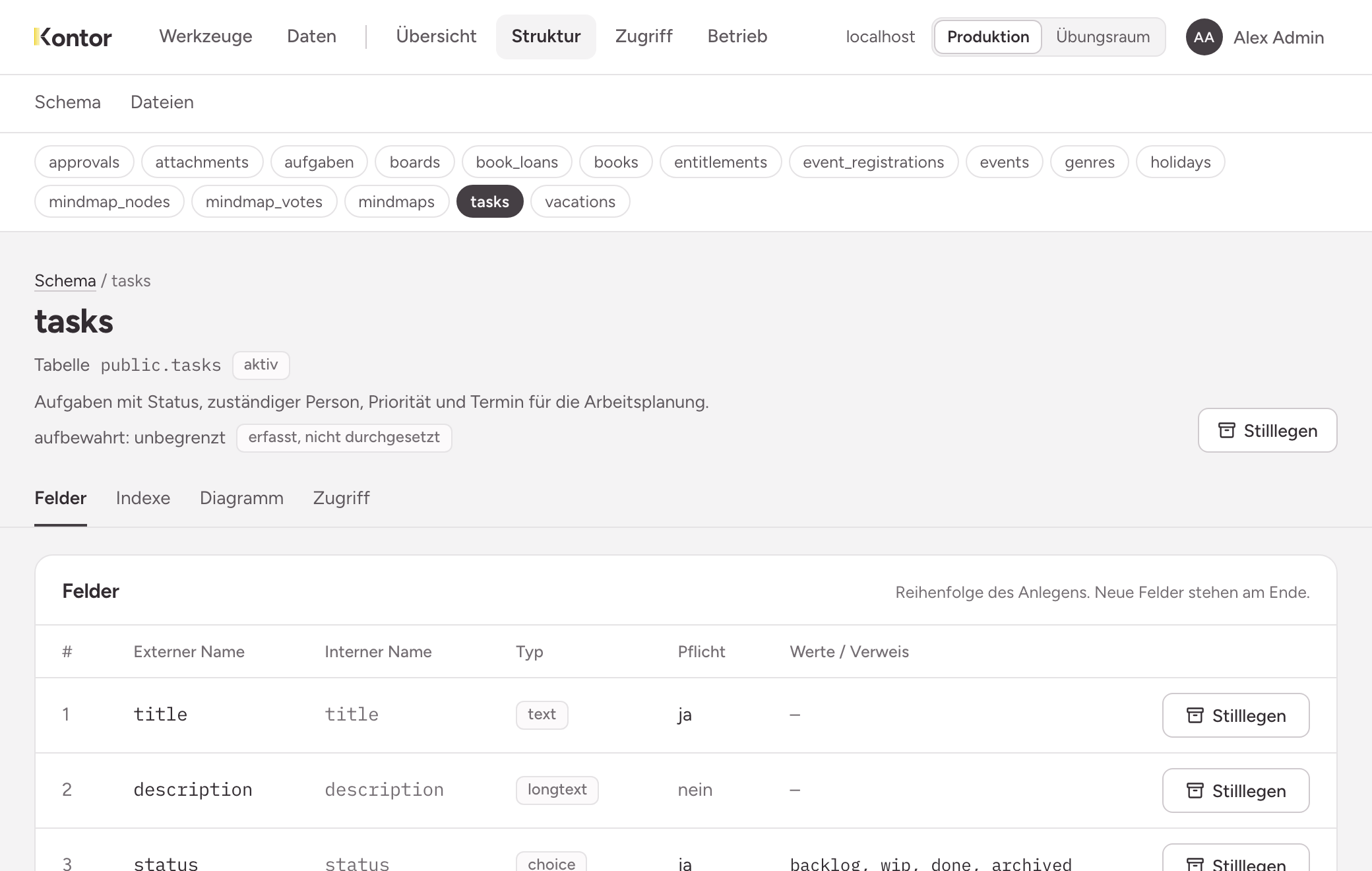
The header names the table, the state, the purpose and the retention. Below it are four tabs:
- Fields: the fields in order of creation, and the forms for changing them.
- Indexes: every index the database holds.
- Diagram: tables and columns as they are in the database, with the system columns.
- Access: the roles with access and their scopes for reading and writing. Grants are set and revoked on the page of the role.
Adding and changing fields
The forms are folded away below the list of fields:
- Add a field: name, type and whether it is required. The new field goes to the end of the list.
- Rename a field: choose the field and enter the new name. The old name still works, so existing tools keep running unchanged.
- Add a value to a choice field: choose the field, enter the value and choose Add.
- Purpose and retention: state both here later, or change them.
Deprecating and reactivating
Deprecate exists for each field and for the whole collection. The instance asks before it acts.
- A deprecated field stops accepting values. What is stored stays readable. A tool that still sends the field gets an error naming the field.
- A deprecated collection stops accepting new rows. Existing rows stay readable.
Neither is a deletion. Reactivate undoes it.
Creating and removing indexes
Sorting, the restriction to your own rows and references are covered by the instance itself. You need an index of your own when a filter on a large collection becomes slow.
On the Indexes tab, choose one to three fields under Add an index, then Create. The order matters: a composite index serves a filter on the first field, on the first two, and so on, never on the second alone. Each collection can have at most five created indexes.
Remove exists only for indexes you created. No data is touched, queries may get slower, and you can create the index again.
The comparison
If Registry vs. database says matches, there is nothing to do. If something deviates, the page of the affected collection shows the table Deviations from the database at the top, with field, kind and finding. The same statement is on the Overview under State of this instance.