Signing in and finding your way
How to get into your instance and what you see after signing in.
Signing in
Every company has its own Kontor instance with its own address. You sign in there with your company’s Microsoft account. There is no separate password for Kontor.
After your first sign-in the instance knows you, but you have no permissions yet. What you can see and do is decided by your company’s administrators through roles.
The start page
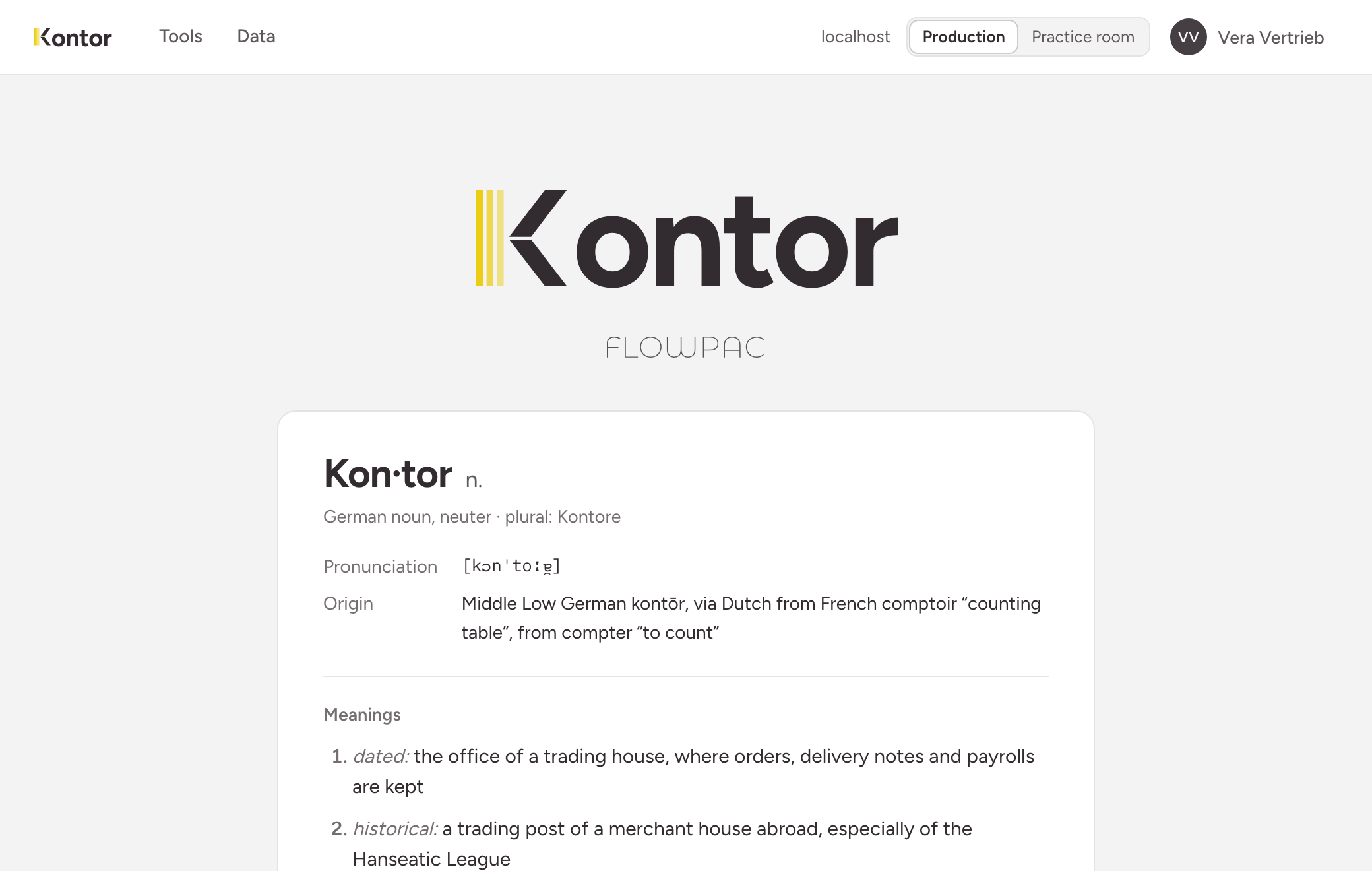
The top bar is the same on every page:
- Tools leads to the list of tools shared with you.
- Data shows data sets directly, without a tool. The entry only appears if you have been given the capability for it.
- On the right you find the name of the instance and the room you are working in: production or practice room.
- Behind your name are your profile, your access, your access tokens, the language and sign-out.
Your tools
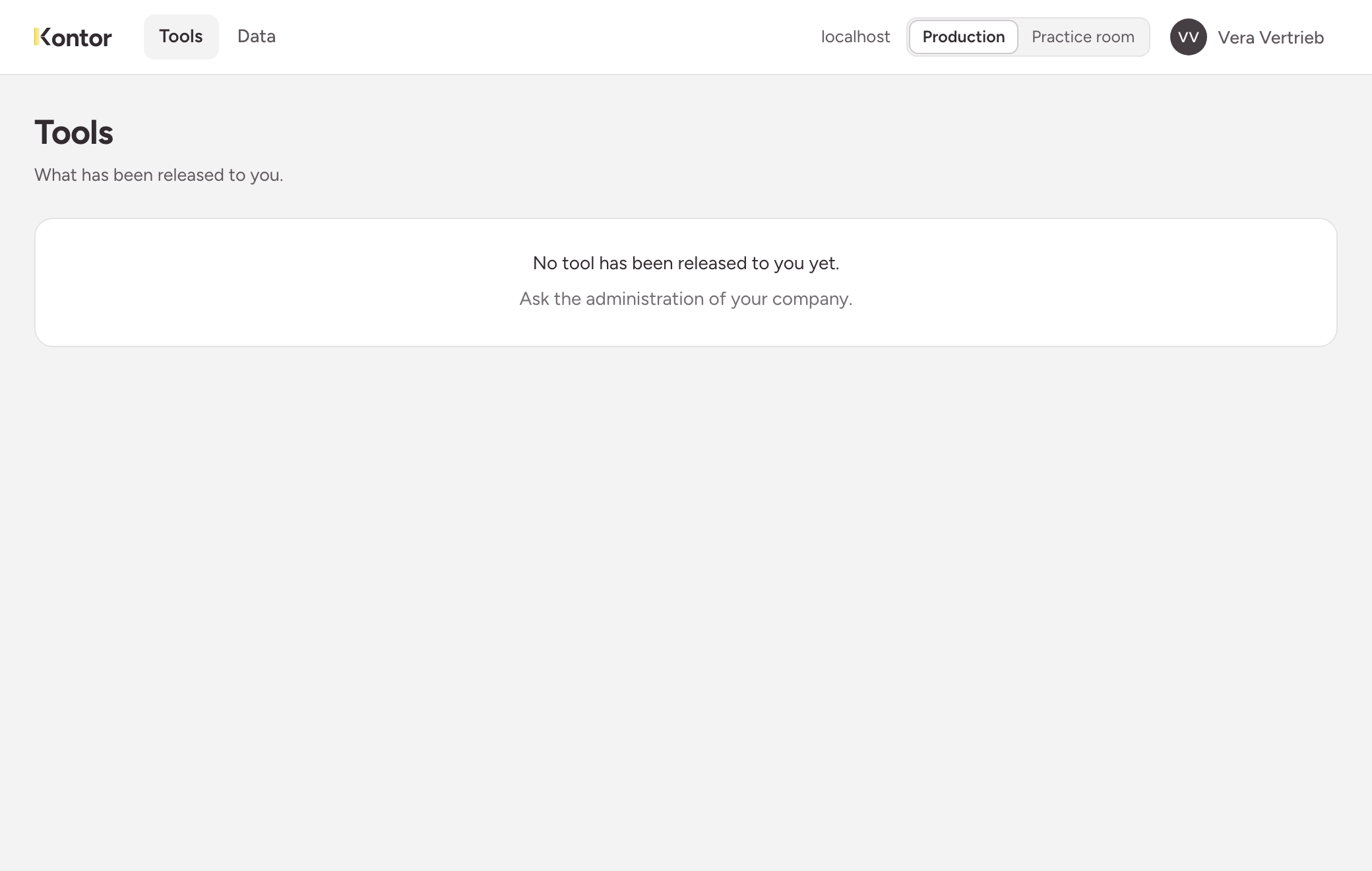
The list only shows what has been shared with you. If it is empty, nobody has shared a tool with you yet. In that case, ask your company’s administrators.
Production and practice room
An instance has two rooms: production holds the real data, the practice room has its own data for trying things out. How to switch and what the two share is described under Production and practice room.