Working with a tool
Where you open a tool and what the messages mean that come up while you work.
A tool is a small application for one task in your company, for example a task list or a holiday planner. It runs in your instance and works with the data you have rights on.
Opening a tool
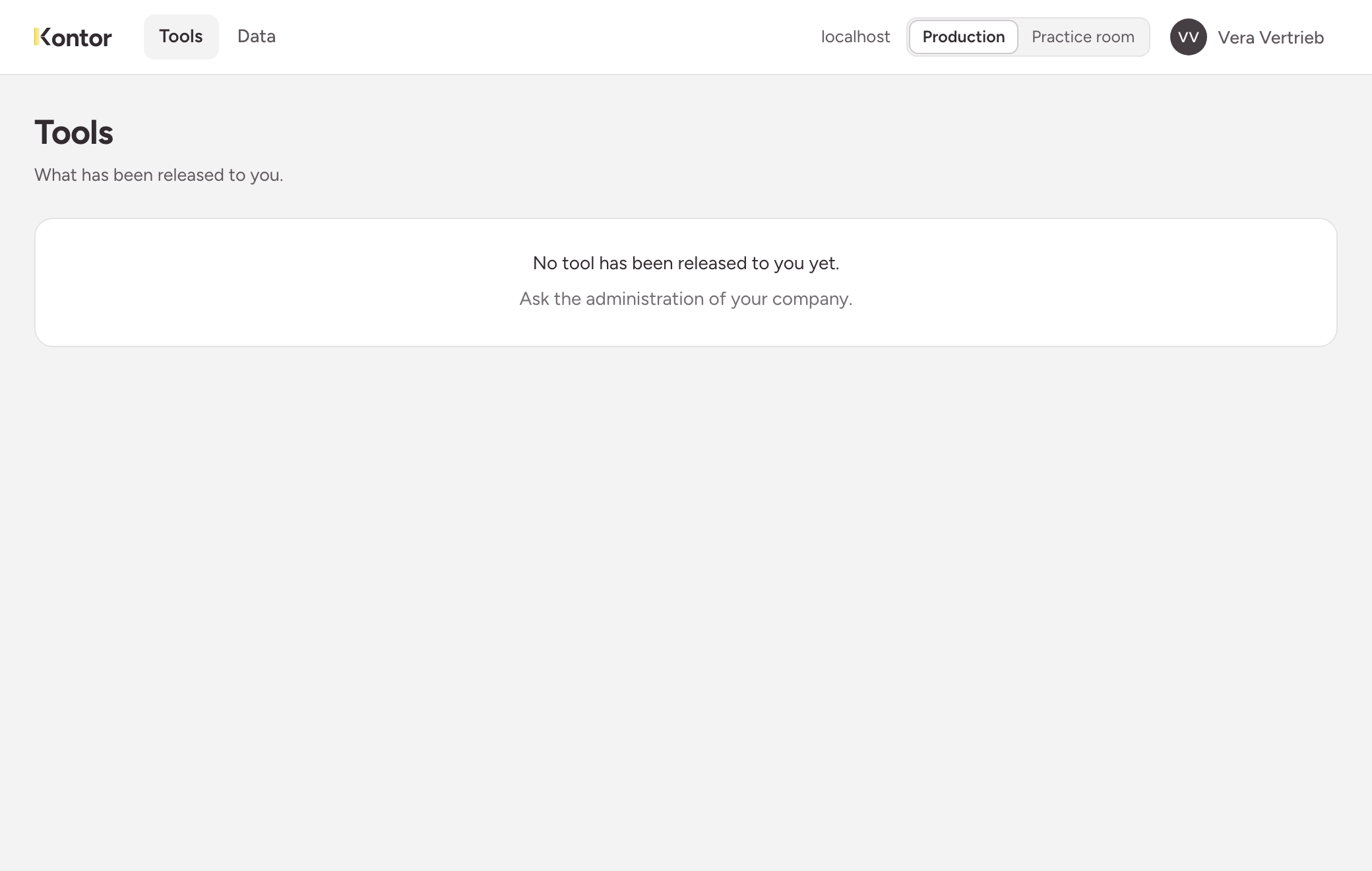
- Choose Tools in the top bar.
- Choose the tile of the tool. It opens in a new tab.
Every tool has a fixed address: /t/<name>/ after the address of your instance. You can keep it as a bookmark.
The list only shows what has been released to one of your roles. If it says No tool has been released to you yet., ask your company’s administrators. If you open the address of a tool that has not been released to you, the instance answers as if the tool did not exist.
What the tool may do
A tool has no rights of its own. It reads and writes in your name, and the instance checks every request against your rights. Two people may therefore see different rows in the same tool. What you may do is listed under Your own permissions.
The tool works in the data space of your browser session. See Production and practice room.
Messages while you work
Every tool words its own messages. The wordings below come from the template most tools are built on. The causes are the same in every tool.
| Message of the template | Cause | What you do |
|---|---|---|
| Your session has ended. Open the start page to sign in again. | Your session has expired or was ended. | Open the start page of the instance, sign in and reload the tool. |
| You are not allowed to do that. | You lack the right for this action. | Ask the administrators. A new right takes effect immediately. |
| Someone changed this entry in the meantime. The current state is shown below. | Someone changed the row while you were editing it. | Look at the current state and enter your change again. |
| That does not exist (any more). | The entry was deleted, or you may not see it. | Reload the list. |
| The list has changed - reloading it. | The list changed while you were paging. | Nothing, the tool reloads the list. |
Expired session
A session ends after a longer time without activity, and at the latest after a fixed duration. The default is eight hours without a request and twelve hours in total. Your company can set other values. Anything you have not saved is lost when this happens.
Conflict on a simultaneous change
The instance never overwrites a change silently. If you save a row that someone else has changed in the meantime, the instance refuses. The template then reloads the list and shows the current state.
Errors on a field
If a value does not fit, the message appears at the field concerned: a required field is empty, a number is not a number, a value is not among the choices. Nothing has been saved in that case. Correct the field and save again.